
準備
キャラクターとアイテムの両方でアニメーションスプライトを使用できます。
静止画像をアニメーションスプライトに変換するには、水平方向のスプライトシートと .ini ファイルを用意する必要があります。
.ini ファイルのファイル名、水平スプライトシートのファイル名、Mod 読み込み用 Excel の id 列は、すべて一致している必要があります。

INI ファイル
ini
frame = 6
time = 0.066
scale = 100これは 6 フレーム、66ms 間隔のアニメーションを定義します。
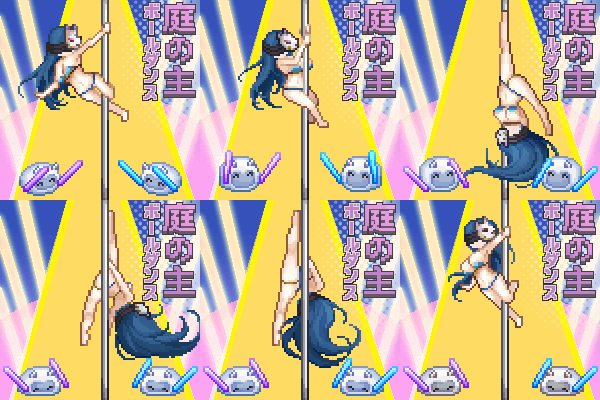
サンプル Mod

バリエーション
アニメーションスプライトとバリエーションを組み合わせて、自動切り替えを行うことができます。